
If you are trying to create more video content without hiring a full production team, InVideo AI is one of the tools worth paying attention to in 2026. The platform is built around a simple promise: turn ideas, prompts, scripts, or rough instructions into finished videos faster, with AI handling much of the scripting, visuals, voiceover, and editing workflow. On its official site, InVideo positions itself as a tool that can turn “any idea into videos” for ads, explainers, stories, and other formats.
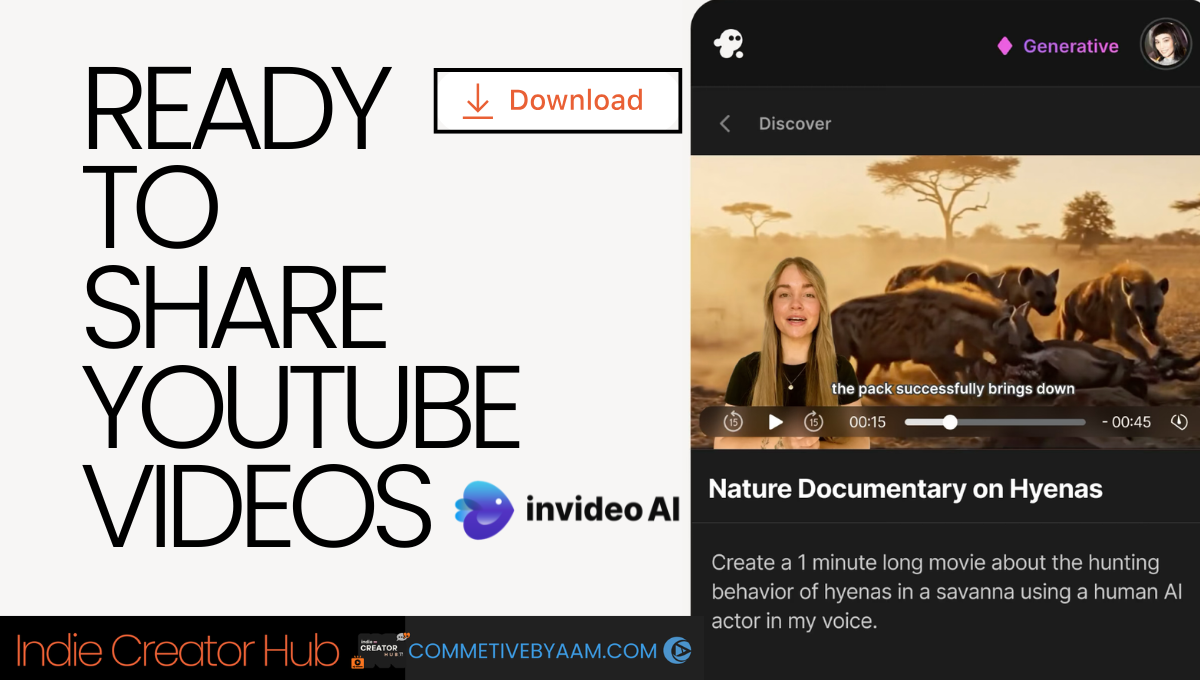
But is it actually the best AI video generator for YouTube, TikTok, and Reels?
That depends on what kind of creator you are. If you want speed, prompt-based creation, social-first output, AI avatars, and text-command editing, InVideo AI is a very strong option. If you want frame-level manual control like a traditional editing suite, it is a different kind of product. In this review, I’ll break down what InVideo AI does well, where it feels limited, who it is best for, and whether it is worth paying for in 2026.
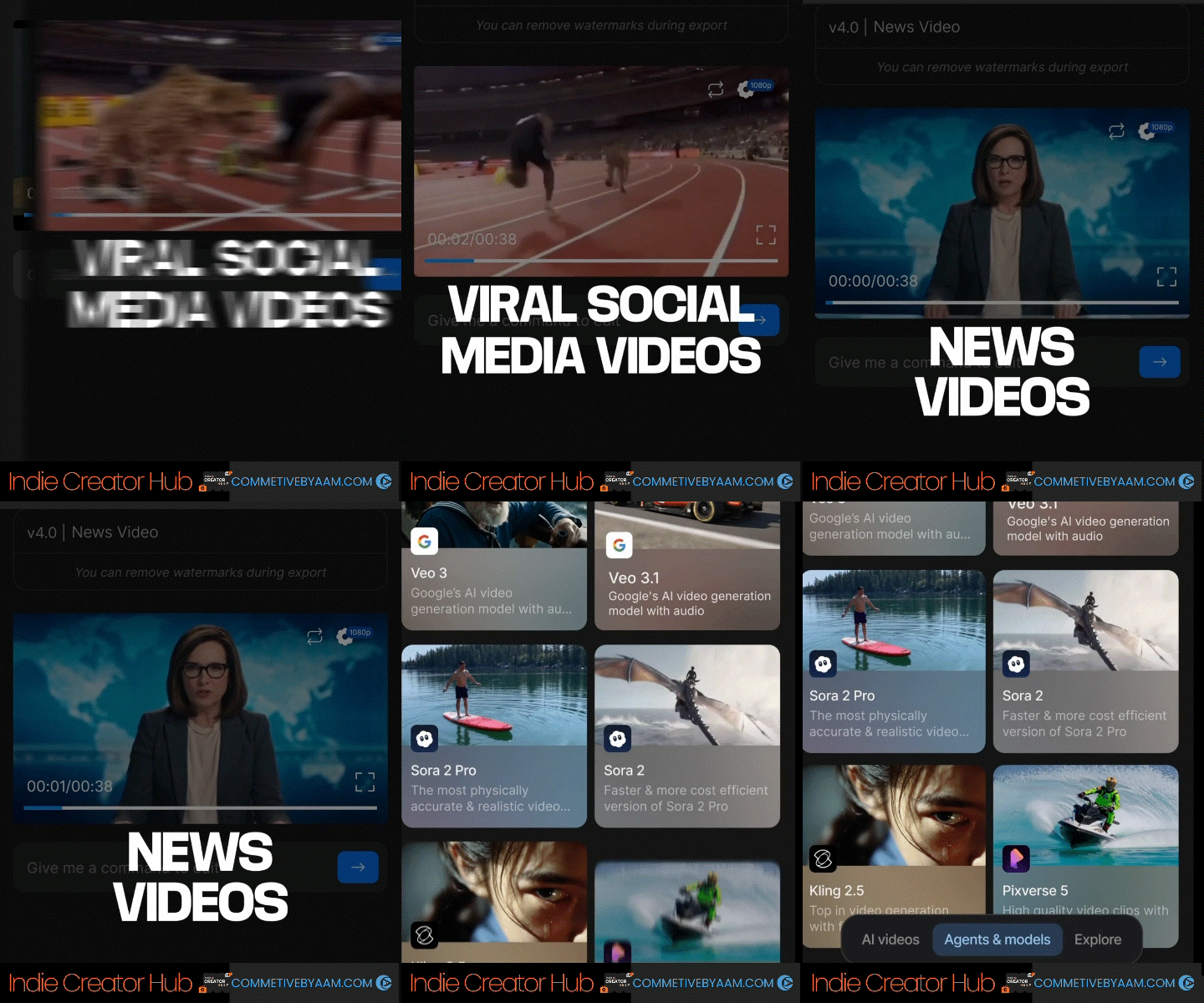
What Is InVideo AI?
InVideo AI is an AI-powered video creation platform that lets users generate videos from text prompts and then edit those videos using natural-language commands. According to InVideo’s official pages, the platform supports use cases like explainers, product ads, YouTube videos, AI avatar videos, TikTok-style clips, and more. It also offers AI-assisted editing through text commands, so instead of manually adjusting a timeline for every change, users can tell the system to swap media, change voiceover, mute audio, or alter scenes in plain language.
That is one reason the tool stands out. It is not just trying to be an editor. It is trying to be a full idea-to-video workflow.
Why InVideo AI Is Getting Attention in 2026
A lot of creators are under pressure to publish more often across multiple platforms. YouTube demands consistency. TikTok rewards speed. Reels need punchy, platform-native formatting. InVideo AI is clearly built around that demand. Its own product pages emphasize platform-specific creation, AI-generated visuals, voiceovers, subtitles, multilingual content, and fast editing with prompts.
The company also says it serves 25 million customers across 190 countries, which signals that it is no longer a niche experiment but a mainstream creator tool with global reach.
Key Features of InVideo AI in 2026

1. Text-to-Video Generation
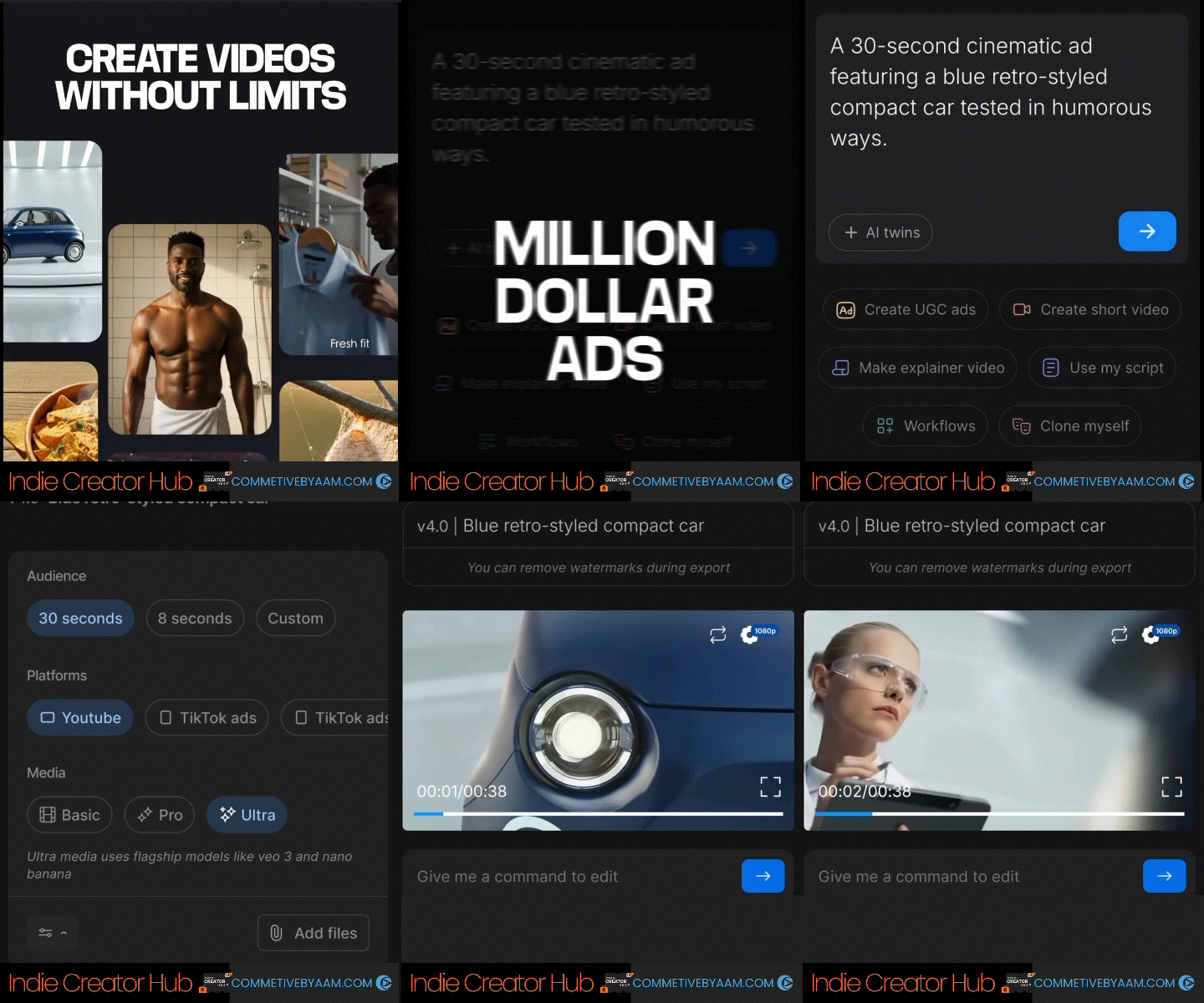
One of the biggest selling points is text-to-video creation. InVideo’s text-to-video page says users can generate videos from a simple prompt, with AI handling visuals, voiceovers, effects, and more. The platform explicitly markets this for social clips, product videos, explainer videos, and other fast-turnaround formats.
For creators, this matters because it lowers the barrier to entry. You do not need to start with raw footage. You can start with an idea.
2. AI Avatars and AI Presenters
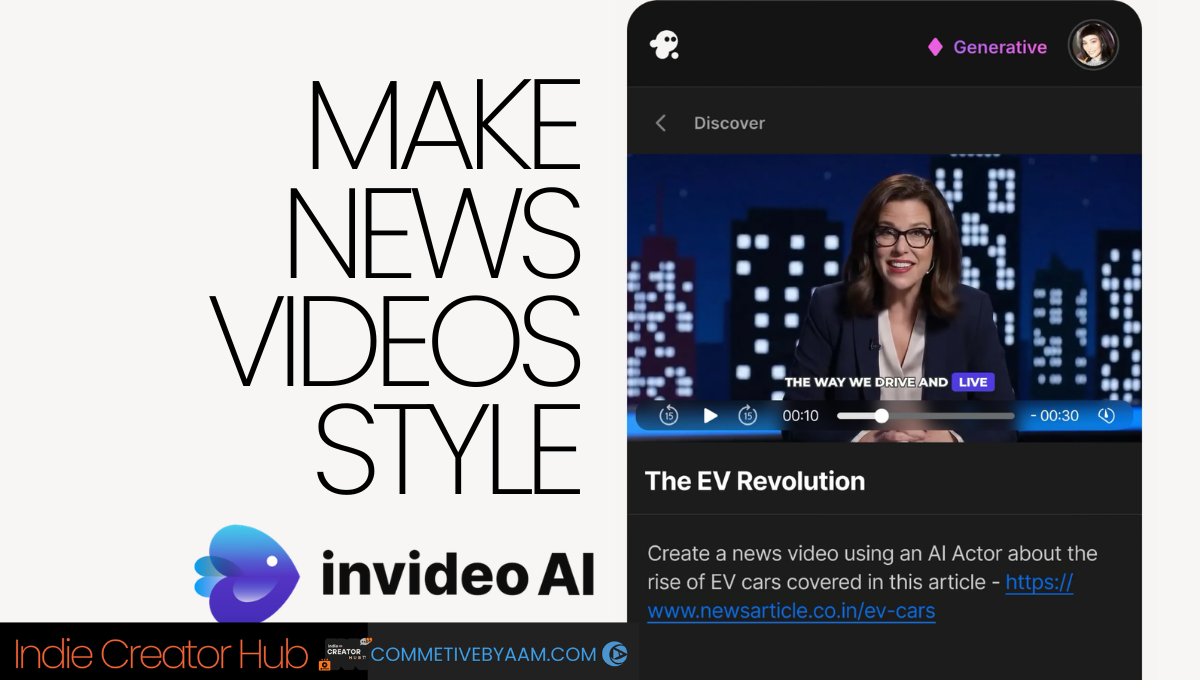
InVideo AI also leans hard into AI avatars. Its official avatar page says users can create custom avatars for UGC ads, explainers, personalized videos, and product ads. It also highlights AI actors, multilingual output in 50+ languages, and the ability to scale content creation without constantly filming yourself.
That is especially useful for:
• faceless YouTube channels
• product explainers
• educational content
• creator brands that need repeatable presentation-style videos
3. AI Editing With Text Commands
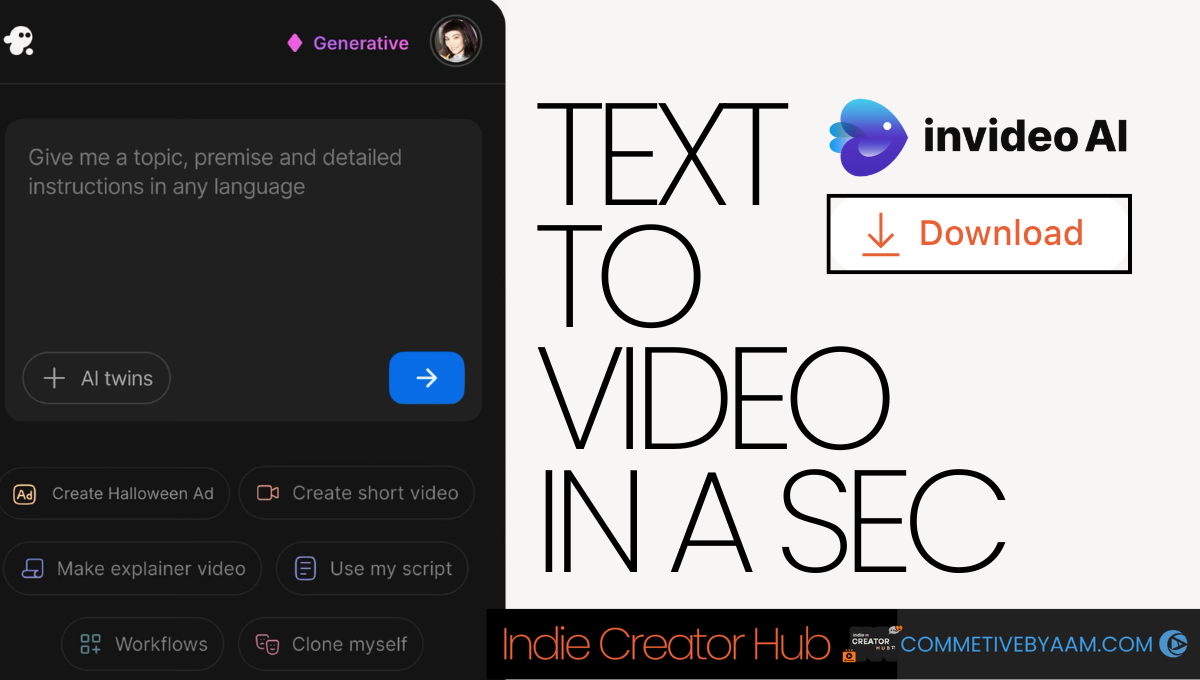
This is one of the most practical features. InVideo’s AI editor page says you can edit videos using simple text commands through its “Magic Box,” including deleting scenes, muting audio, changing voiceovers, swapping media, and adjusting effects.
That kind of editing is much more attractive to non-editors than a traditional timeline-heavy workflow. It is closer to directing than cutting.

4. YouTube-Focused Workflows
InVideo has a dedicated YouTube video editor page where it promotes AI-generated visuals, subtitles, voiceovers, and text-prompt editing for YouTube content. It also specifically mentions faceless videos, multilingual translation in 50+ global languages, and AI-generated scripts.
For YouTube creators publishing educational, commentary, list-based, tutorial, or documentary-style content, that is a meaningful advantage.

5. Voice Cloning
The platform also offers AI voice cloning. According to InVideo’s official voice cloning page, users can upload a 30-second snippet and generate a clone of their own voice.
For creators, this opens up a few obvious possibilities:
• faster content production
• voice consistency across videos
• less time spent re-recording narration
• the ability to update or localize videos more easily

Is InVideo AI Good for YouTube?
Yes — especially if your goal is to publish faster.
InVideo’s own product positioning around YouTube is strong: AI-generated visuals, subtitles, voiceovers, scripts, faceless channel support, and editing with text prompts.
For YouTube, InVideo AI is particularly useful for:
• faceless educational channels
• news-style recaps
• product explainers
• list videos
• commentary videos
• marketing content
• multilingual content adaptation
Where it may feel less ideal is for creators doing highly customized cinematic storytelling, advanced sound design, or complex manual pacing that needs frame-by-frame control. In those cases, a traditional NLE may still be a better finishing tool.
Is InVideo AI Good for TikTok and Reels?
Also yes — and arguably this is where it feels especially natural.
Short-form platforms reward fast iteration, strong hooks, frequent publishing, and easy repurposing. InVideo AI’s workflow is well aligned with that. It is built to help users move quickly from prompt to publishable video, and its platform-specific tools suggest a strong social-first design philosophy.
If your content strategy depends on testing multiple versions of the same idea, InVideo AI can save a lot of time compared with shooting and editing everything manually.
InVideo AI Pricing in 2026
On InVideo’s official pricing page, the platform lists a Free plan at $0, and also offers Enterprise pricing for large organizations. The free tier includes 2 video minutes and 1 AI credit per week, 1 Express avatar, and 4 exports per week with an InVideo watermark, and it does not include access to generative features. The help center also says the free plan includes 10 GB storage, access to 2.5M+ standard media assets, and that free-plan quotas reset weekly on Monday at 12 a.m. UTC.
That means the free version is good for testing the platform, but not enough if you are serious about scaling content. If you want proper generative workflows and cleaner publishing, you will almost certainly need a paid plan.
Pros of InVideo AI
| Category | Point | Details |
|---|---|---|
| Pros | Fast idea-to-video workflow | The platform is clearly designed to help users go from concept to finished video quickly, which is one of its biggest strengths. |
| Pros | Strong for non-editors | Text-based editing is far less intimidating than a traditional editing interface. |
| Pros | Useful AI avatar tools | AI presenters and multilingual avatar output can be valuable for explainers, UGC-style content, and product marketing. |
| Pros | Solid YouTube support | The platform directly supports YouTube video creation, including scripts, visuals, subtitles, and faceless content workflows. |
| Pros | Voice cloning option | Being able to clone your voice from a short sample is a practical feature for scaling narration-based video content. |
| Cons | Free plan is limited | The free plan is clearly a test drive, not a serious production setup. You get limited minutes, limited exports, watermarking, and no generative features. |
| Cons | Best results still depend on prompting | InVideo’s own help content advises users to be clear and detailed with prompts, which tells you something important: this is not magic. Better input still leads to better output. |
| Cons | Not a full replacement for advanced manual editing | InVideo AI is strongest as a fast AI creation and editing system, but creators who need very precise editorial control may still prefer traditional professional editors for final polish. |
Who Should Use InVideo AI?
InVideo AI makes the most sense for:
• YouTubers who want to publish faster
• TikTok and Reels creators testing lots of concepts
• affiliate marketers making product videos
• small businesses creating explainers or ads
• educators making presentation-style content
• faceless channel operators
• creators localizing content into multiple languages
It is especially attractive if you care more about speed, output volume, and workflow efficiency than deep technical editing.

Is InVideo AI the Best AI Video Generator in 2026?
The honest answer: it is one of the best for a specific kind of creator.
If you want a prompt-first system that can help with scripting, visuals, voice, avatars, social content, and basic editing inside one ecosystem, InVideo AI is very competitive in 2026. Its official product pages show a platform that is aggressively focused on practical creator needs: text-to-video, AI avatars, voice cloning, YouTube workflows, and AI editing through natural language.
But “best” depends on your workflow.
If your priority is:
• speed → InVideo AI is a strong choice
• social content volume → very strong choice
• faceless YouTube automation → strong choice
• AI presenters and explainers → strong choice
• manual cinematic control → maybe not your final editor

Is InVideo AI Worth It?
Yes, for many creators, InVideo AI is worth trying in 2026.
The free version gives you a low-risk way to test the platform, while the paid ecosystem appears designed for creators who need to make more content, faster. Its strongest advantages are not just AI generation, but the way it combines multiple steps of the workflow into one place: prompt-based creation, avatars, voice tools, editing by text, and platform-ready output.
For YouTube, TikTok, and Reels creators,
that is a compelling package.
If your content strategy depends on consistency, speed, and publishing across multiple channels, InVideo AI is absolutely one of the tools you should test.