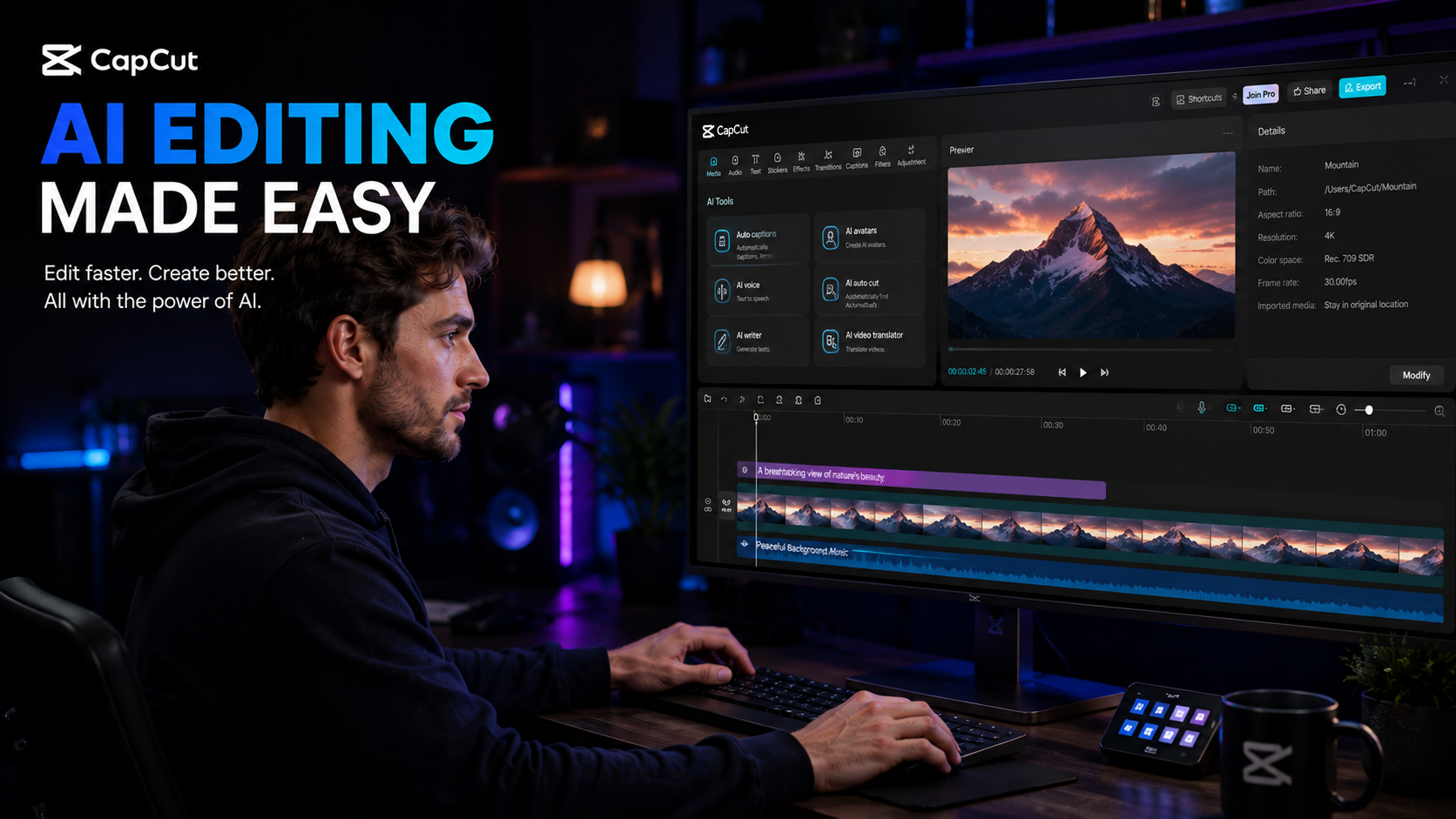
If you create content for YouTube, TikTok, Instagram Reels, Facebook, or even online courses, you’ve probably heard people talk about AI video editing. Most of the time, it sounds like marketing hype.
But after spending years editing videos, directing films, creating social media content, and managing multiple platforms, I can honestly say that some AI tools genuinely save time.
One of those tools is CapCut AI.
What Is CapCut AI?
CapCut is an all-in-one video editing platform developed by ByteDance. It combines traditional editing tools with AI-powered features designed to automate some of the most time-consuming parts of content creation. CapCut now includes AI video generation, AI avatars, auto captions, AI voice generation, video upscaling, smart editing tools, eye-contact correction, video translation, and automated content creation workflows. (CapCut)
In simple terms?
Instead of spending hours editing, AI can do much of the heavy lifting for you.
Why Content Creators Love CapCut AI
The biggest challenge for most creators isn’t creativity.
It’s time… You need to film, edit, create thumbnails, write captions, upload content, answer comments, and somehow still have a life.
CapCut AI helps reduce the editing workload so you can focus more on creating.
Many creators use CapCut because it combines editing, captions, templates, effects, voiceovers, and AI tools in one platform instead of forcing you to use five different apps. (CapCut)
My Favorite CapCut AI Features
1. AI Auto Captions
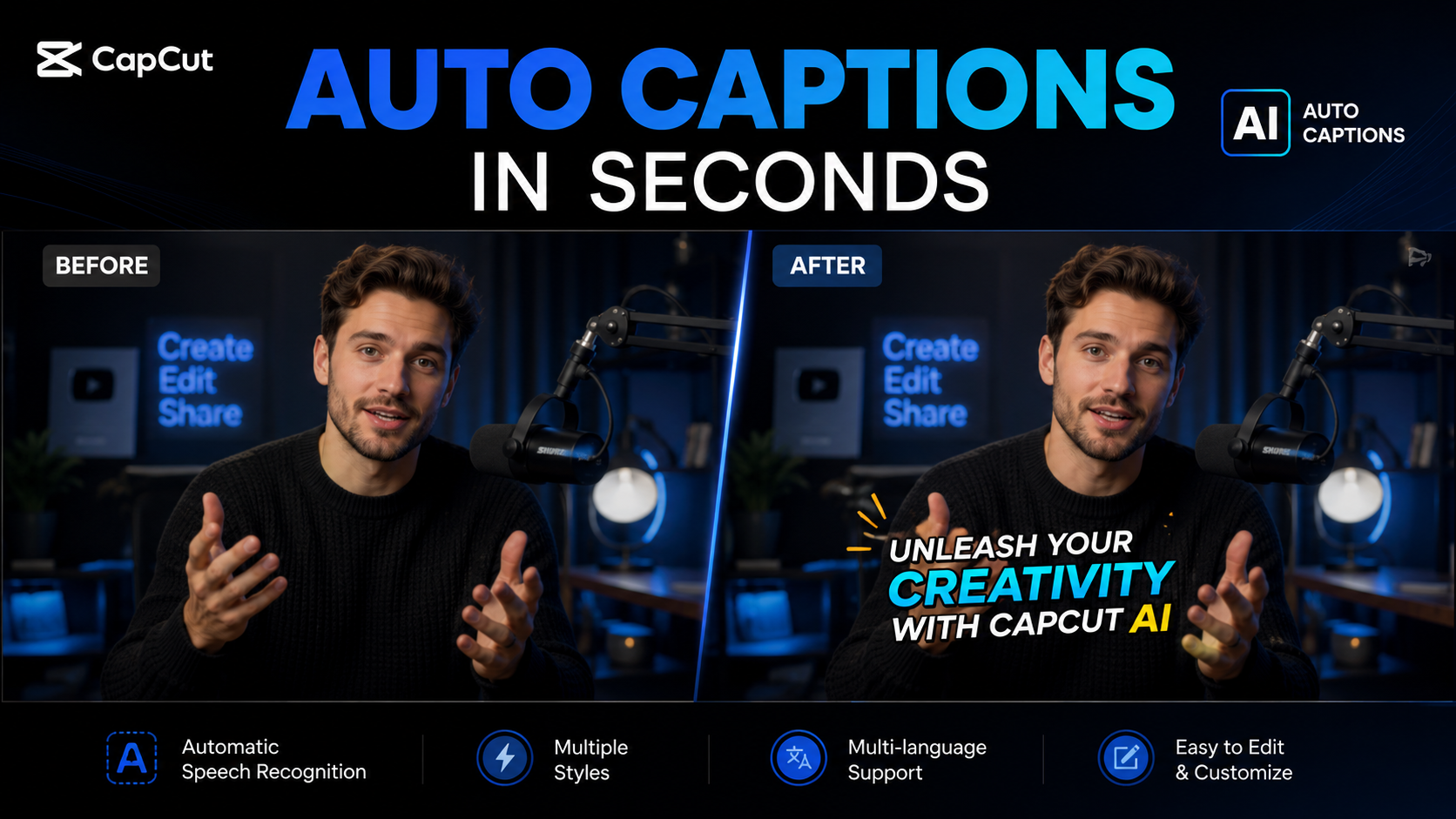
If you’ve ever spent hours typing subtitles manually, you know how painful it can be.
CapCut’s AI Auto Caption feature automatically generates subtitles from your audio and supports multiple languages. (CapCut Official)
Why this matters:
Better accessibility
Higher viewer retention
More engagement on social media
Faster editing workflow
For short-form content, captions are almost mandatory now.
2. Eye Contact Correction
This feature feels like magic.
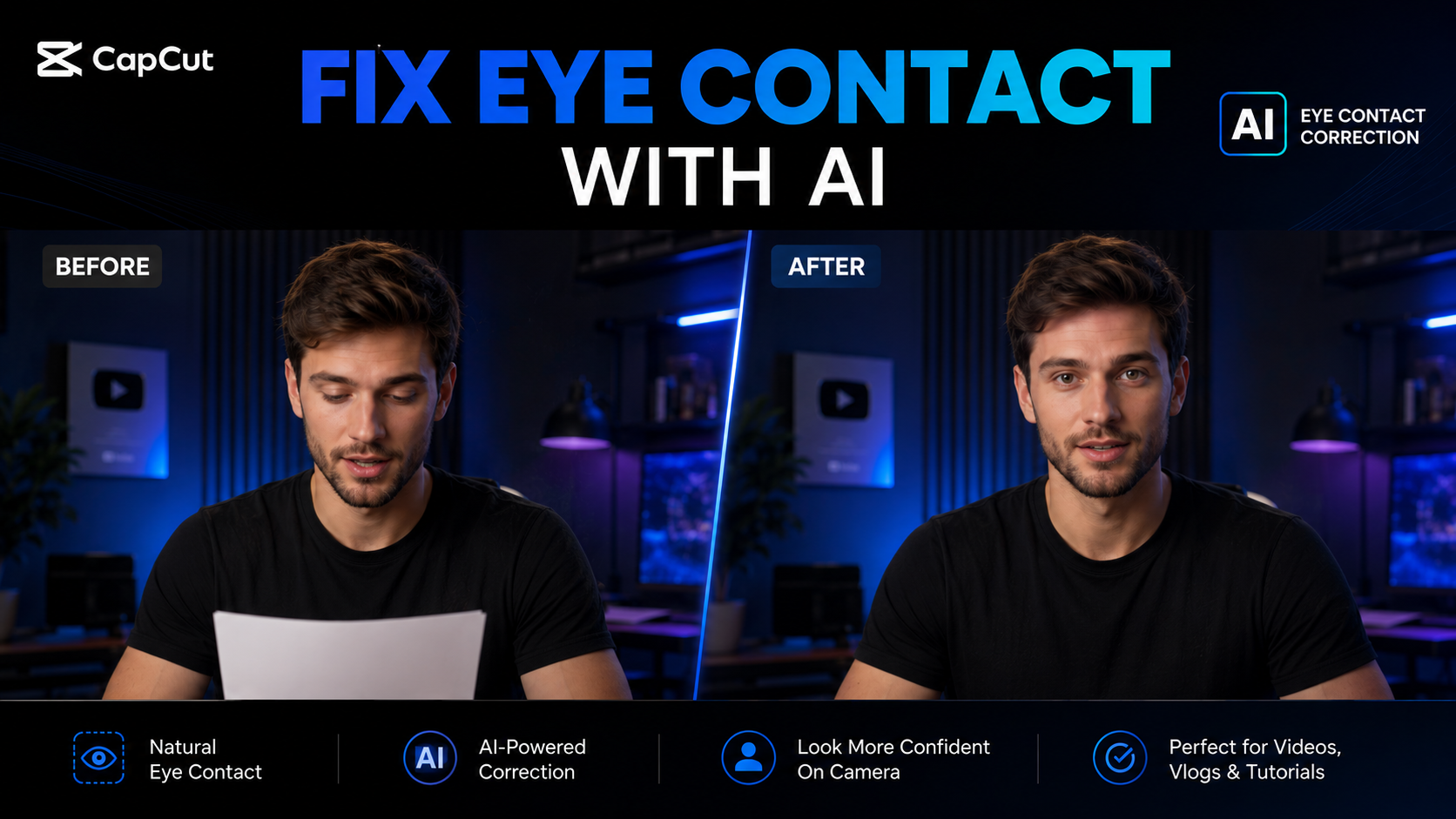
Let’s say you’re reading from a script or teleprompter and accidentally look away from the camera.
CapCut’s AI Transcript tools can help adjust eye contact, making it appear as if you’re looking directly into the camera throughout the video. (CapCut)
For educators, YouTubers, coaches, and business owners, this alone can save expensive reshoots.
3. AI Video Upscale
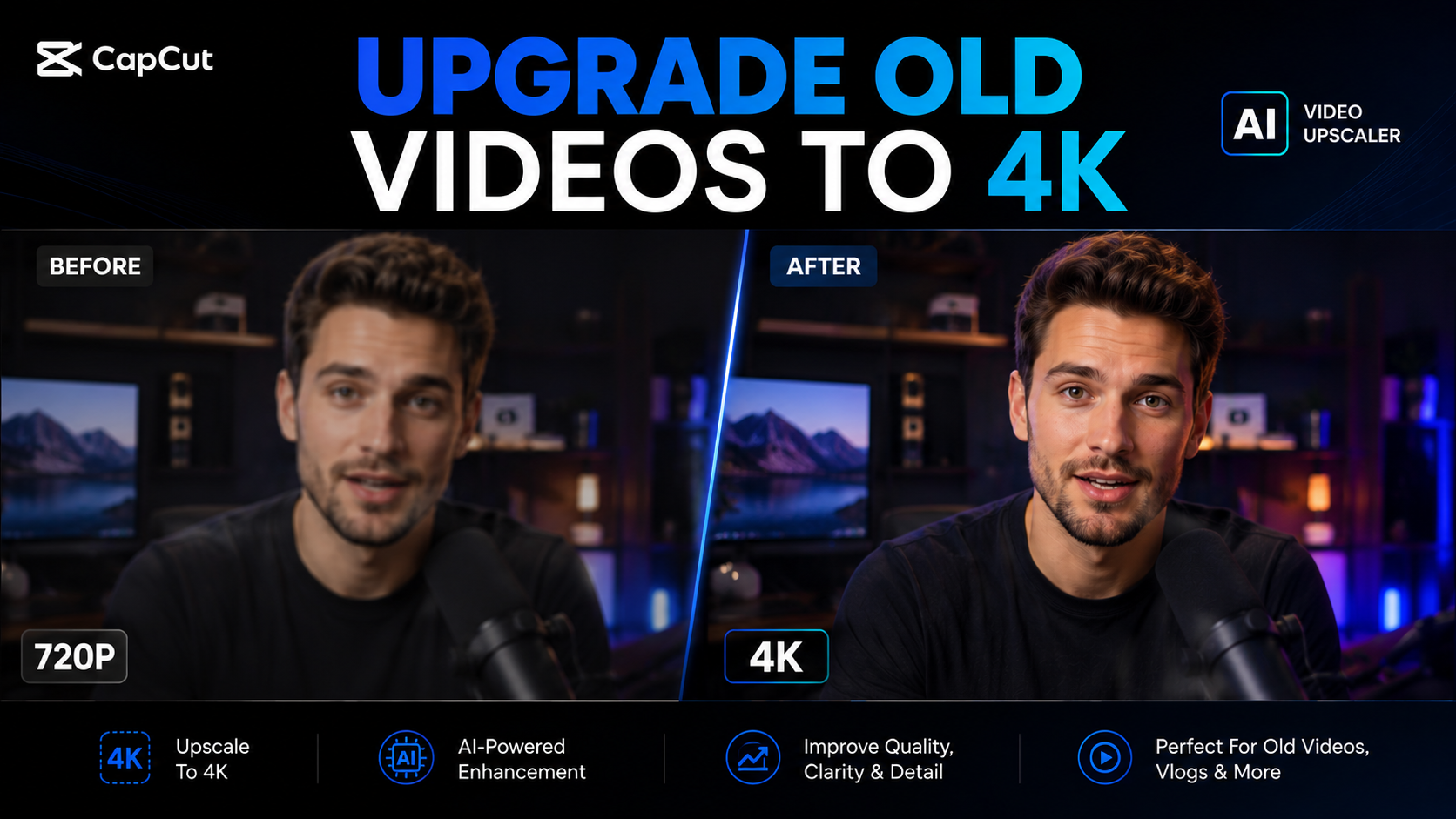
Have an old video?
Low-resolution footage?
CapCut’s AI Video Upscaler can sharpen and enhance video quality, including upscaling footage toward 4K quality. (CapCut)
This is especially useful if you’re repurposing old content for YouTube, TikTok, or Instagram.
4. AI Video Generator
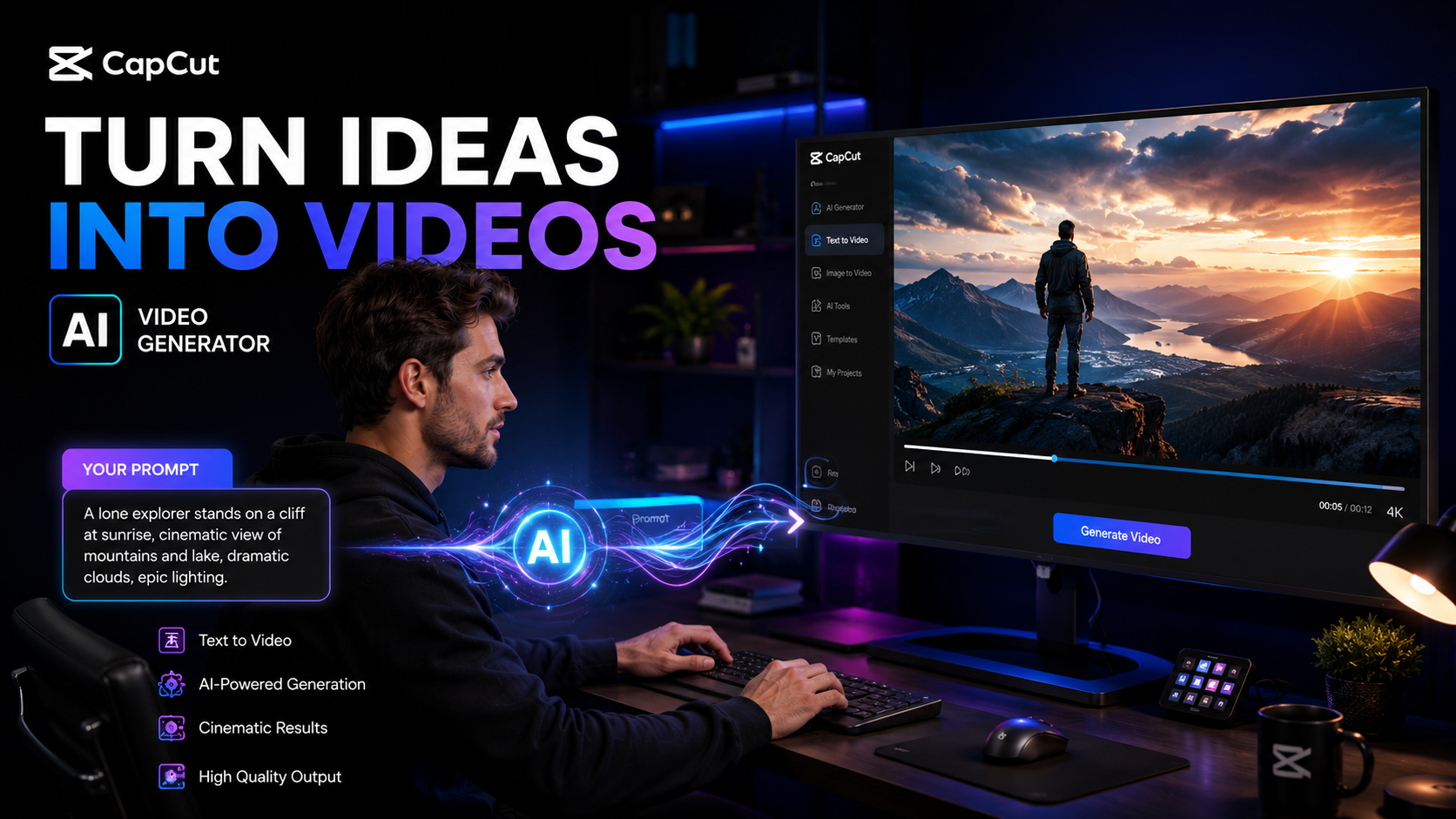
One of CapCut’s most impressive tools is its AI Video Generator.
You can turn text prompts into videos, generate visuals, create scenes, and even build content using AI-generated assets. (CapCut)
For creators who need content quickly, this can dramatically reduce production time.
5. AI Avatars
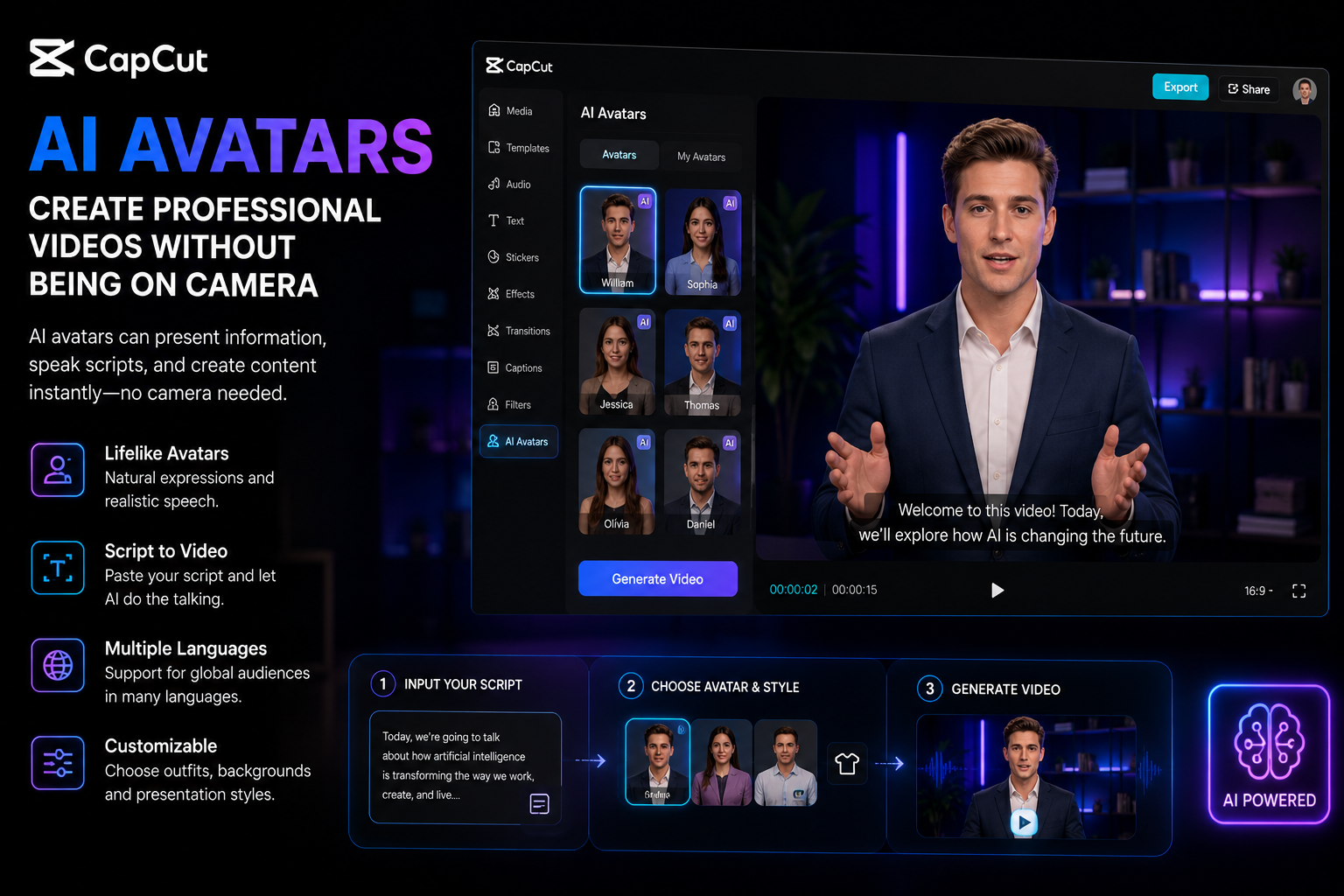
CapCut now offers AI avatars that can present information, speak scripts, and create content without requiring a traditional on-camera presenter. (CapCut)
This is useful for:
Faceless YouTube channels
Educational content
Marketing videos
Product demonstrations
6. AutoCut
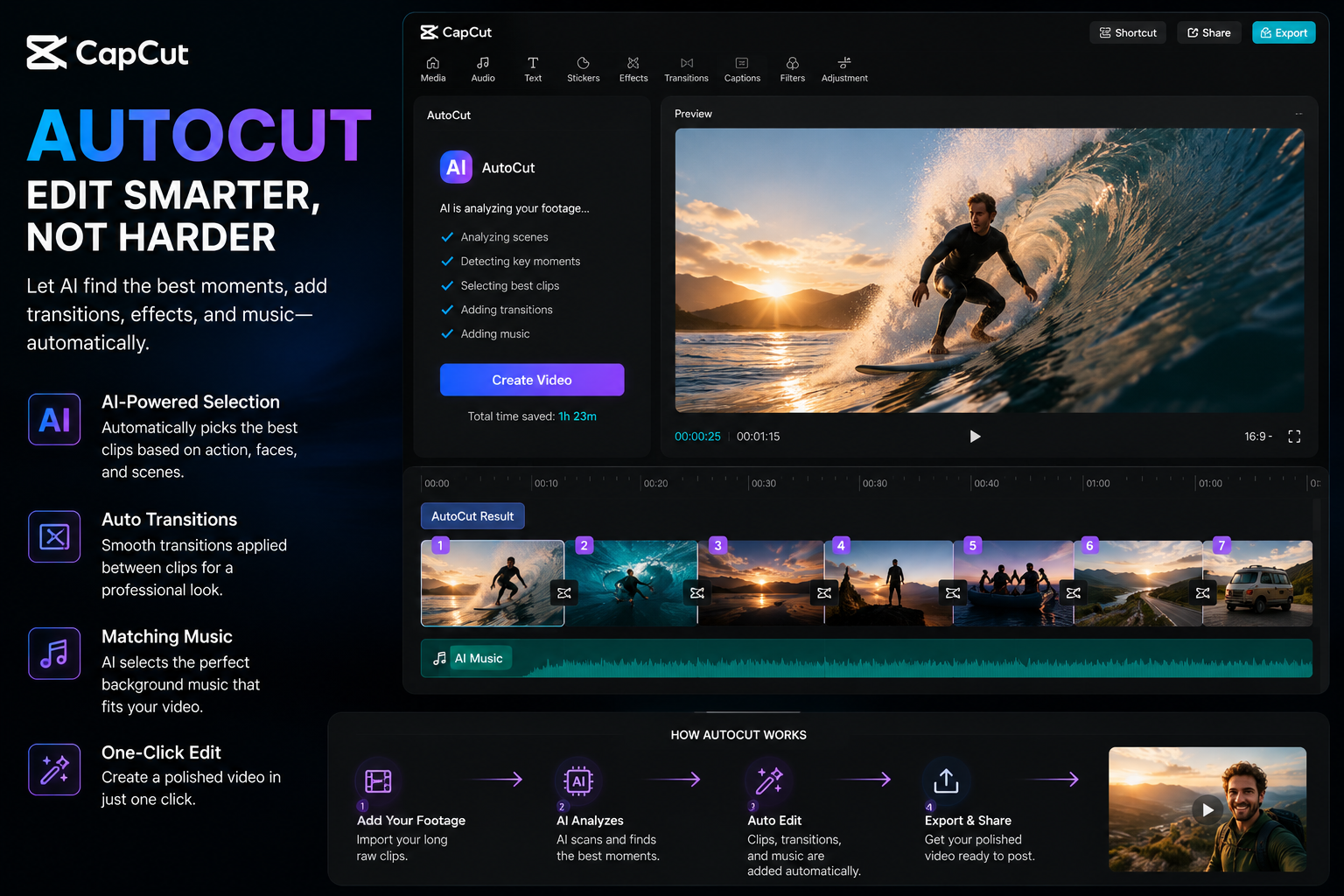
Editing raw footage is often the most boring part of content creation.
CapCut’s AutoCut feature automatically selects clips, applies transitions, adds music, and creates a polished video. (CapCut)
It won’t replace a professional editor for major productions, but for social media content, it’s surprisingly useful.
7. AI Translation
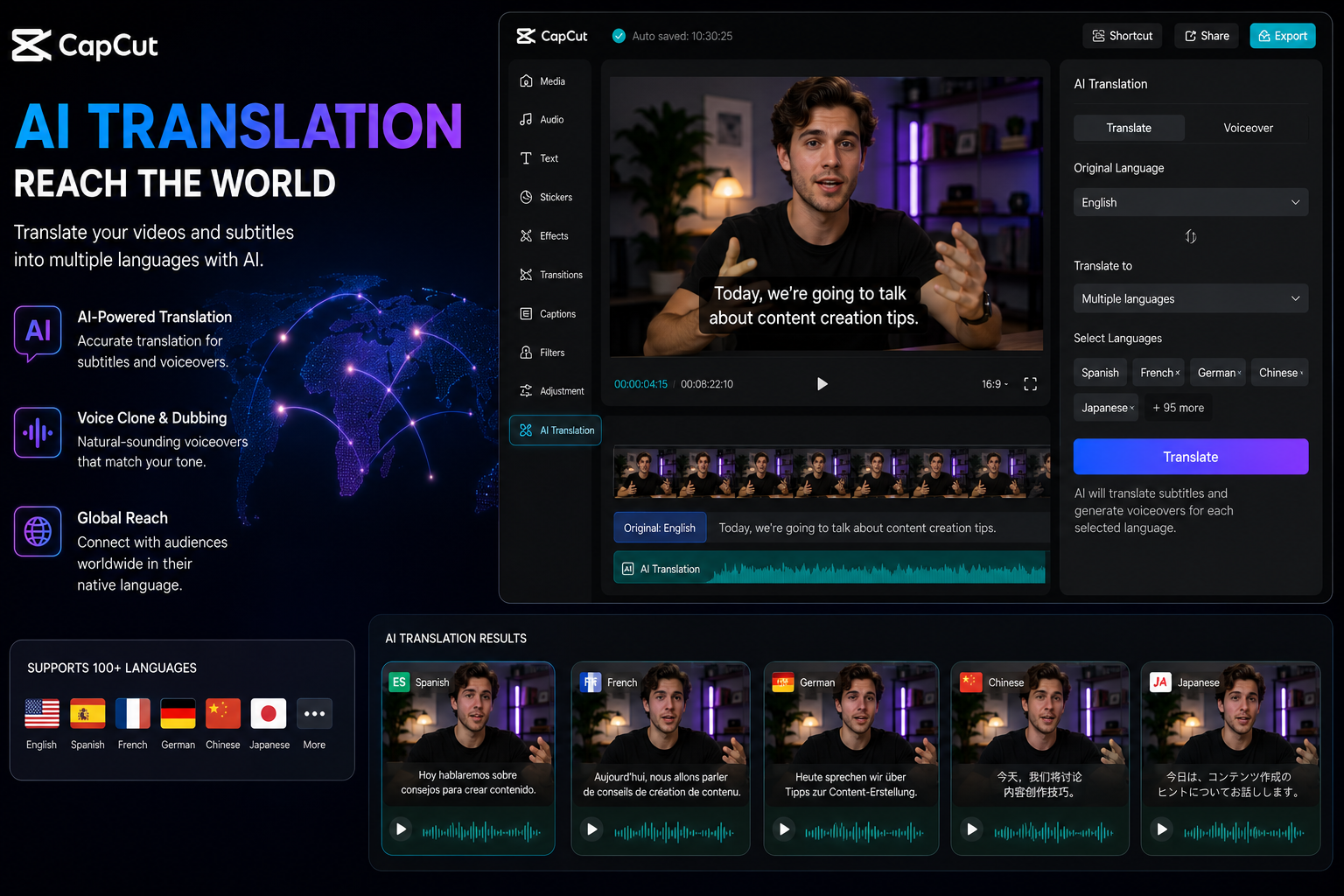
Want to reach an international audience?
CapCut includes AI-powered video translation tools that help creators adapt content into multiple languages. (CapCut)
For creators targeting viewers in the United States, Europe, Southeast Asia, and Latin America, this can open entirely new audiences.
Is CapCut Better Than Premiere Pro?
For Hollywood films?
No.
For most creators?
Honestly, yes.
Adobe Premiere Pro remains one of the most powerful professional editing tools available.
However, CapCut wins in three important areas:
Easier to learn
Faster workflow
Better AI integration
Many creators spend more time creating content than learning complicated software.
CapCut allows beginners and intermediate creators to produce professional-looking content without spending months learning advanced editing techniques. Community discussions frequently highlight CapCut’s ease of use and AI-focused workflow compared with more traditional professional editors. (Reddit)
Who Should Use CapCut AI?
CapCut AI is ideal for:
YouTubers
TikTok creators
Instagram creators
Coaches
Online educators
Small business owners
Affiliate marketers
Podcasters
Freelancers
Social media managers
If your goal is creating content consistently rather than becoming a professional film editor, CapCut is often the faster choice.
Things You Should Know Before Using CapCut
No tool is perfect.
Some AI features may vary by country or subscription level. Certain advanced tools are only available in specific regions or plans. (CapCut)
It’s also worth reviewing CapCut’s terms of service and privacy policies, especially if you’re creating commercial work. Some creators have raised concerns regarding content licensing language in previous terms updates. (TechRadar)
As with any AI platform, it’s smart to understand how your content is stored and processed.
The biggest reason I recommend CapCut AI is simple:
It saves time.
The future of content creation isn’t about working harder.
It’s about removing repetitive tasks so you can spend more time creating ideas that people actually want to watch.
Whether you’re making YouTube videos, TikToks, online courses, marketing content, or social media campaigns, CapCut AI offers one of the easiest ways to speed up your workflow without sacrificing quality.
If you’re serious about creating more content in less time, it’s worth trying.
Affiliate Disclosure: This article contains affiliate links. If you purchase through these links, I may earn a commission at no additional cost to you. This helps support independent content creation and allows me to continue sharing tutorials, reviews, and creator resources.